
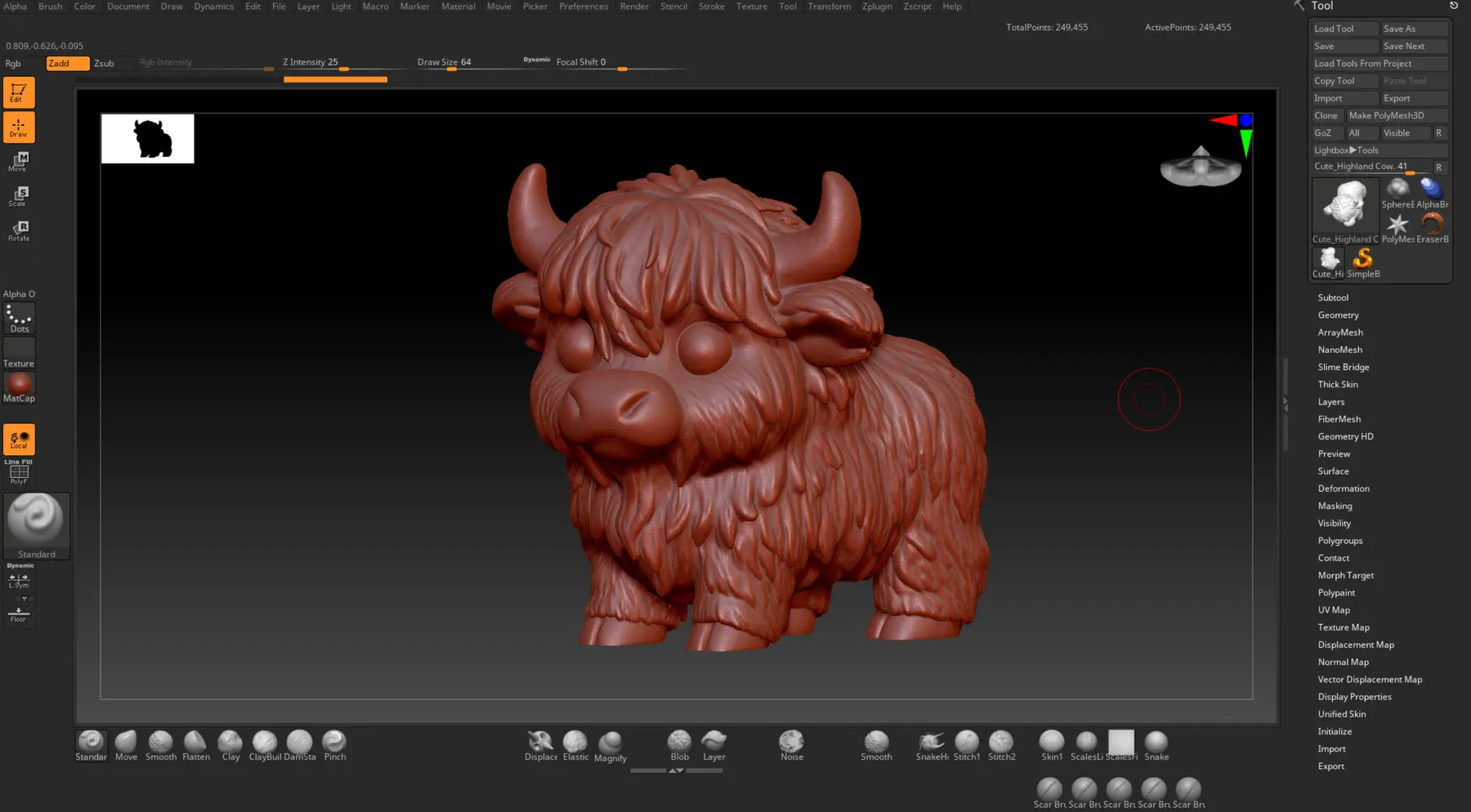
Starting point
Define the form
Pose, proportions and expression are set before working on the details.
Two Imprim'ER workflows
Every project moves forward step by step. A figurine takes shape, goes through a first print and gains its details. A technical object brings parts, wiring and use together in a single case.
The artistic workflow
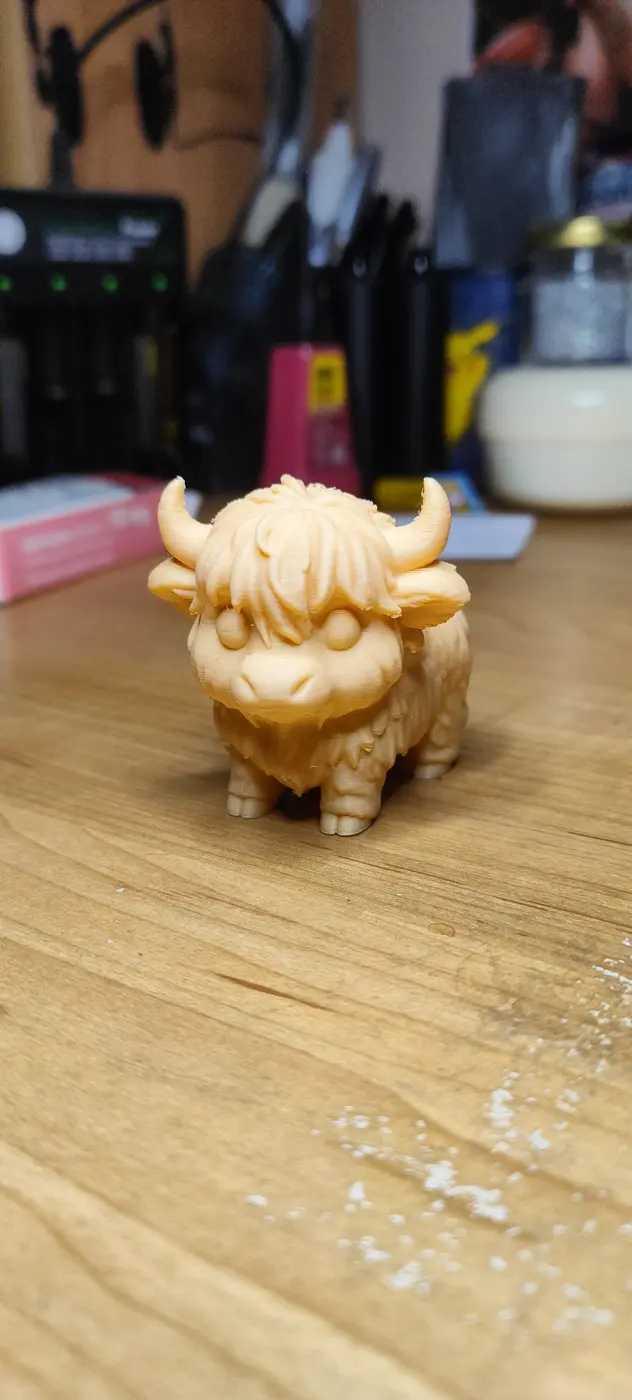
The silhouette and expression are defined before the details. The first print reveals what really works.
Pose, proportions and expression are set before working on the details.
The first print reveals details that are too fine, fragile volumes and forms that do not read well physically.

Paint, assembly and the base give the figurine its finish and presence.
The technical workflow
For the Dragon Radar, Imprim'ER prepares the parts, installs the electronics and assembles a case designed for everyday use.
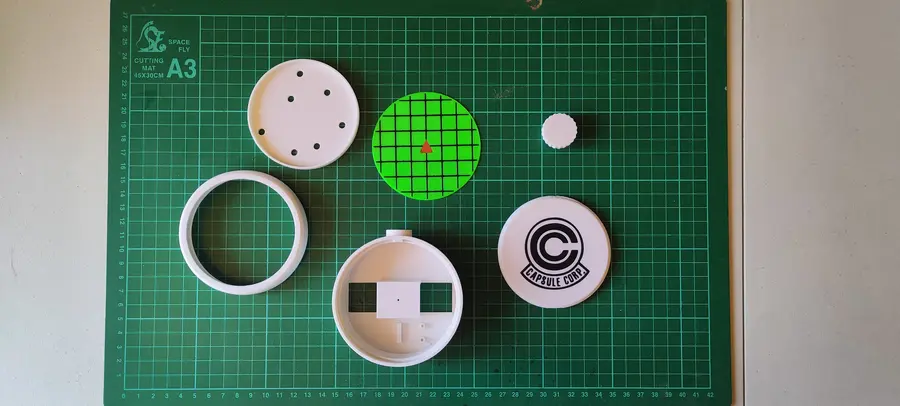
The parts are gathered before assembly to compare their dimensions and fit.
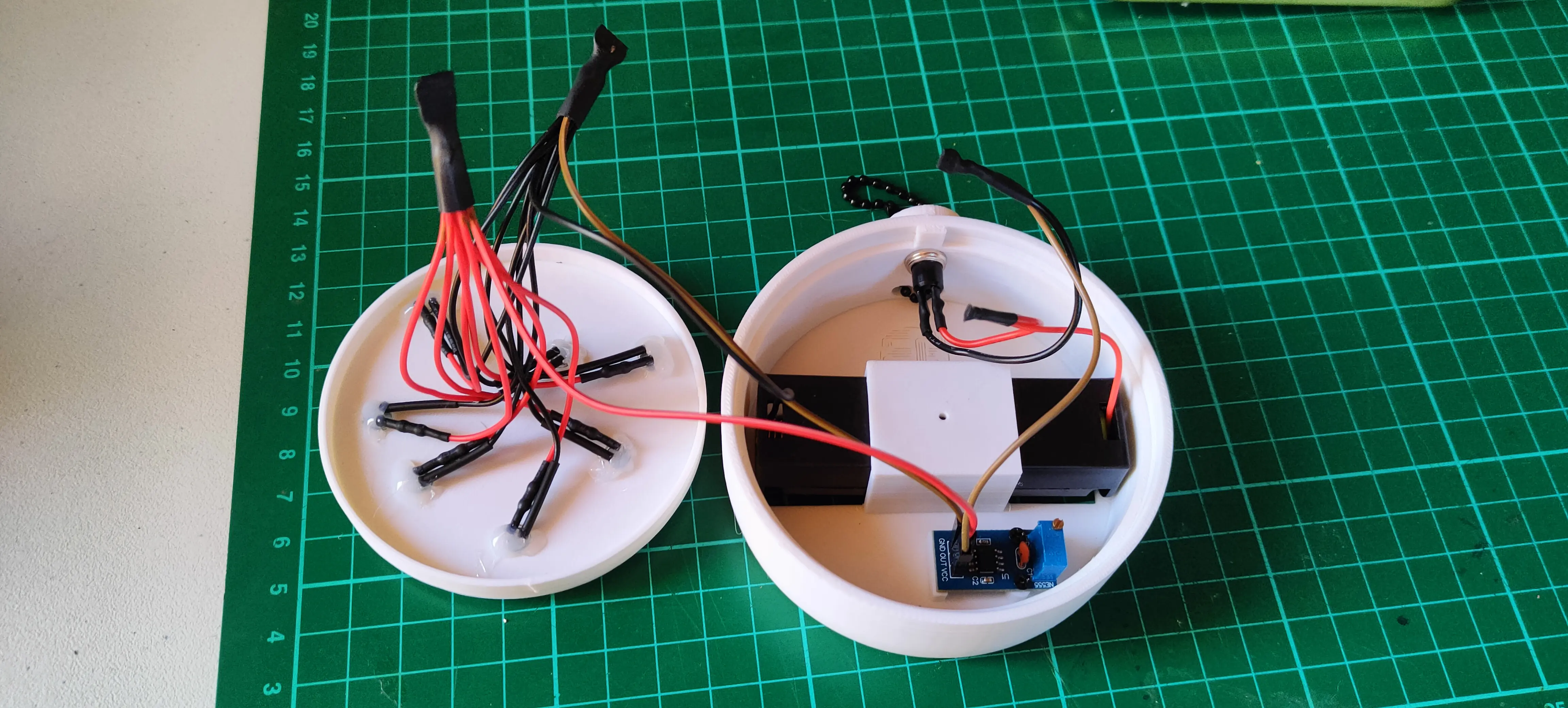
The wiring and components are installed in the case. Buttons and access points must remain usable once it is closed.
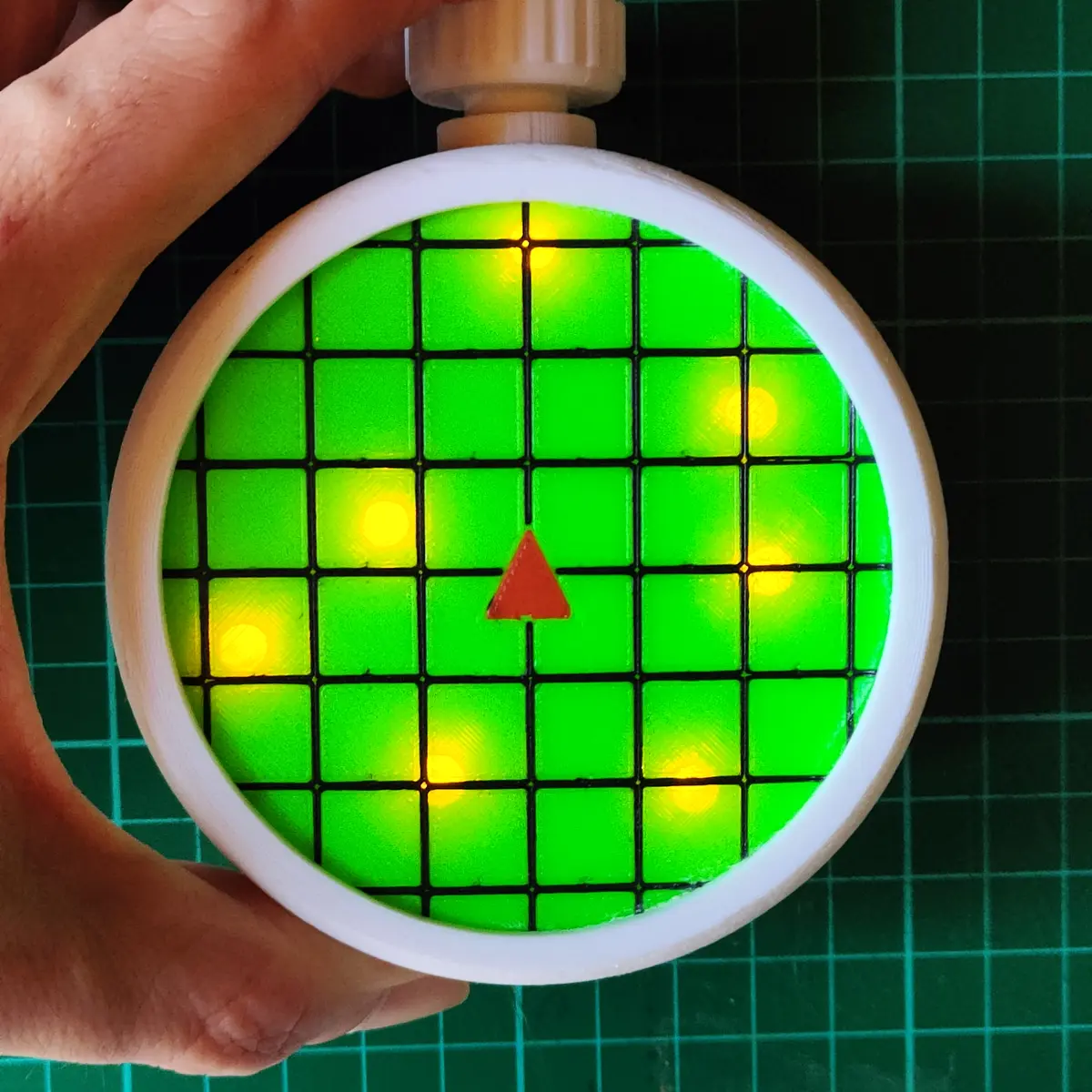
The case is closed and put into service. Controls and component access are adjusted for the intended use.
What they share
Both workflows progress through concrete stages: a form becomes clearer, parts come together and the object finds its purpose.